G suite review is g suite better than office
A clear, balanced G Suite (Google Workspace) review comparing it with Microsoft 365/Office to help decide which fits your needs.
G Suite review: is G Suite better than Office?
When people ask, “Is G Suite better than Office?” the answer isn’t one-size-fits-all. It depends on how you work, what devices you use, and what features your team relies on daily. This review cuts through the hype and compares Google Workspace (formerly G Suite) with Microsoft 365 (Office 365) on key fronts: collaboration, productivity apps, storage and security, pricing, and ecosystem. You’ll find practical guidance to help you choose the platform that aligns with your business or personal workflows.

What Google Workspace (G Suite) brings to the table
Real-time collaboration at the core
- Real-time co-editing in Docs, Sheets, and Slides
- Seamless commenting and version history
- Integrated chat and video calls via Meet
- Strong track record for schools and distributed teams
Simplicity and speed
- Clean, browser-first experience that works well on light hardware
- Easy onboarding for new users
- Consistent interface across apps
Cloud-native, flexible storage
- Google Drive for file storage with simple sharing controls
- Access from any device with internet connectivity
- Offline modes available for Docs, Sheets, and Slides
Security and administration
- Admin console focused on user management, apps access, and policy enforcement
- Standard security features: 2-step verification, endpoint management, data loss prevention (in higher tiers)
- AI-assisted insights from Google’s security analytics
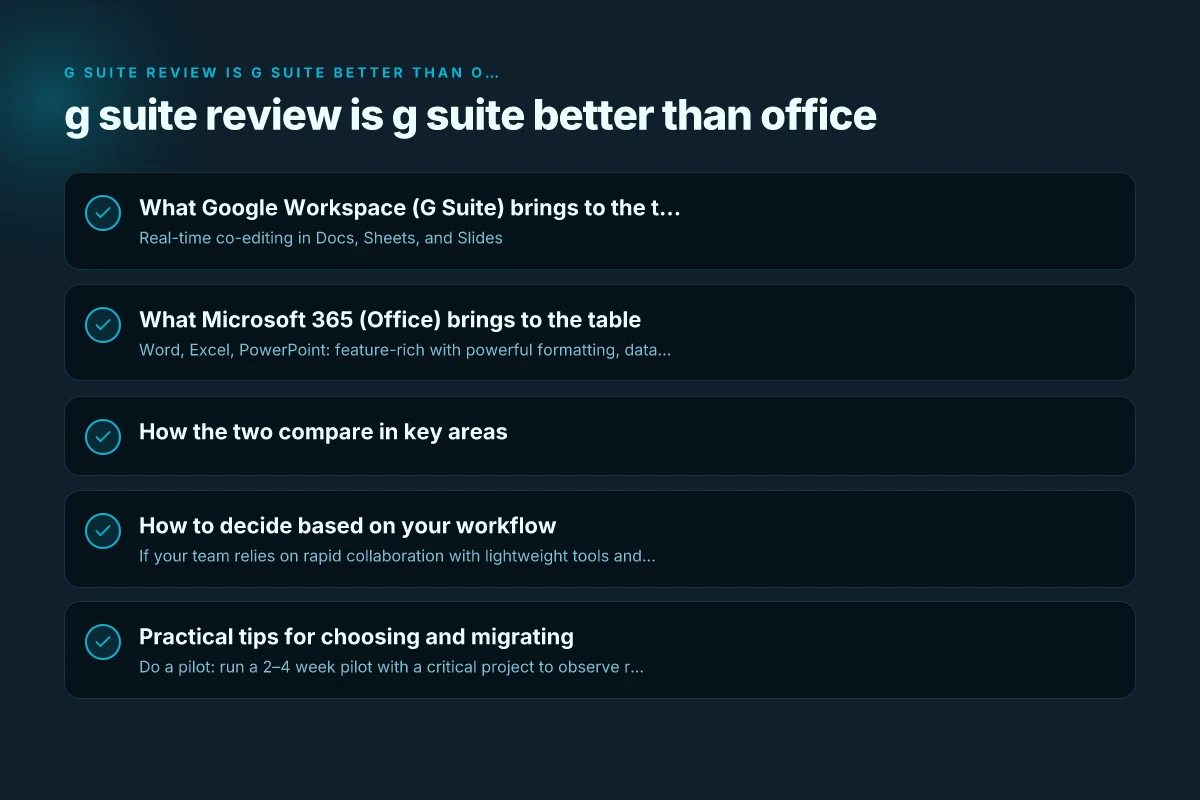
What Microsoft 365 (Office) brings to the table
Deep app ecosystem and feature depth
- Word, Excel, PowerPoint: feature-rich with powerful formatting, data analysis, and automation
- Outlook and Teams: robust communications and scheduling
- Advanced features for power users and enterprise needs
Strong compatibility and legacy integration
- Excellent file format compatibility (DOCX, XLSX, PPTX)
- Smooth integration with Windows environments and on-premises solutions
- Familiar interfaces for long-time Office users
Advanced collaboration through Teams and beyond
- Teams as a hub for chat, meetings, and apps
- SharePoint and OneDrive for enterprise document management
- Workflows and automation via Power Automate and macro capabilities
Security and compliance for enterprises
- Advanced threat protection, DLP, eDiscovery, and governance
- Office 365 Defender and comprehensive compliance tools
- Strong identity and access management with Azure AD
How the two compare in key areas
| Area | Google Workspace (G Suite) | Microsoft 365 (Office) |
|---|---|---|
| Collaboration approach | Real-time editing, lightweight, browser-first | Rich collaboration via Teams, heavy integration into Windows ecosystem |
| Core productivity apps | Docs, Sheets, Slides | Word, Excel, PowerPoint |
| Storage and sharing | Google Drive; straightforward sharing | OneDrive/SharePoint; granular permissions |
| Offline use | Good offline support in Docs/Sheets/Slides | Strong offline support; feature parity is high |
| Security and compliance | Standard enterprise security; DLP often in higher tiers | Comprehensive enterprise security and compliance suite |
| Pricing flexibility | Simpler tiers; favorable for small teams and startups | Broad enterprise plans; can be costlier at scale |
| Ecosystem and integration | Excellent with Google services and third-party APIs | Deep integration with Windows, Azure, and enterprise apps |
How to decide based on your workflow
- If your team relies on rapid collaboration with lightweight tools and cloud-first work, Google Workspace often shines. Real-time co-editing, easy sharing, and fast access across devices help keep teams aligned without heavy IT overhead.
- If your team needs advanced document formatting, heavy data analysis, and deep integration with Windows/Active Directory, Microsoft 365 can be the more powerful platform. Excel’s data capabilities and PowerPoint’s design tools can be decisive for certain teams.
- Consider your meeting and communications behavior. Google Meet integrates tightly with Docs and Drive, while Teams is a go-to hub for many organizations already entrenched in the Microsoft ecosystem.
- For regulated industries, consider your compliance requirements. Microsoft’s suite often provides more granular governance and eDiscovery options out of the box; Google offers strong security, but some governance features may require higher tiers or additional tools.
- Budget and growth trajectory matter. Google Workspace can be cost-effective for small teams or startups seeking straightforward pricing. Microsoft 365 can scale with robust enterprise features but may require more administrative overhead and licensing decisions.
Practical tips for choosing and migrating
- Do a pilot: run a 2–4 week pilot with a critical project to observe real-world collaboration and productivity.
- Map your workflows: list the core tasks your team performs daily (document creation, data analysis, presentations, meetings) and see which suite handles them best.
- Consider device and OS usage: if your team predominantly uses Windows devices, Microsoft tools may feel more native. For a cross-platform, browser-focused team, Google tools are very efficient.
- Plan for data migration: migrating emails, calendars, and files requires planning. Microsoft 365 offers extensive migration paths; Google has migration tools too, but timing and scope matter.
- Evaluate admin needs: admin consoles differ. If you have a central IT team, ensure the chosen platform aligns with your security policies and onboarding processes.
A short comparison glance for teams in transition
- Small to mid-sized teams seeking ease of use, speed, and light IT: Google Workspace is often a strong fit.
- Teams with heavy document workflows, Windows-centric environments, or strict compliance requirements: Microsoft 365 tends to deliver more power and integration.
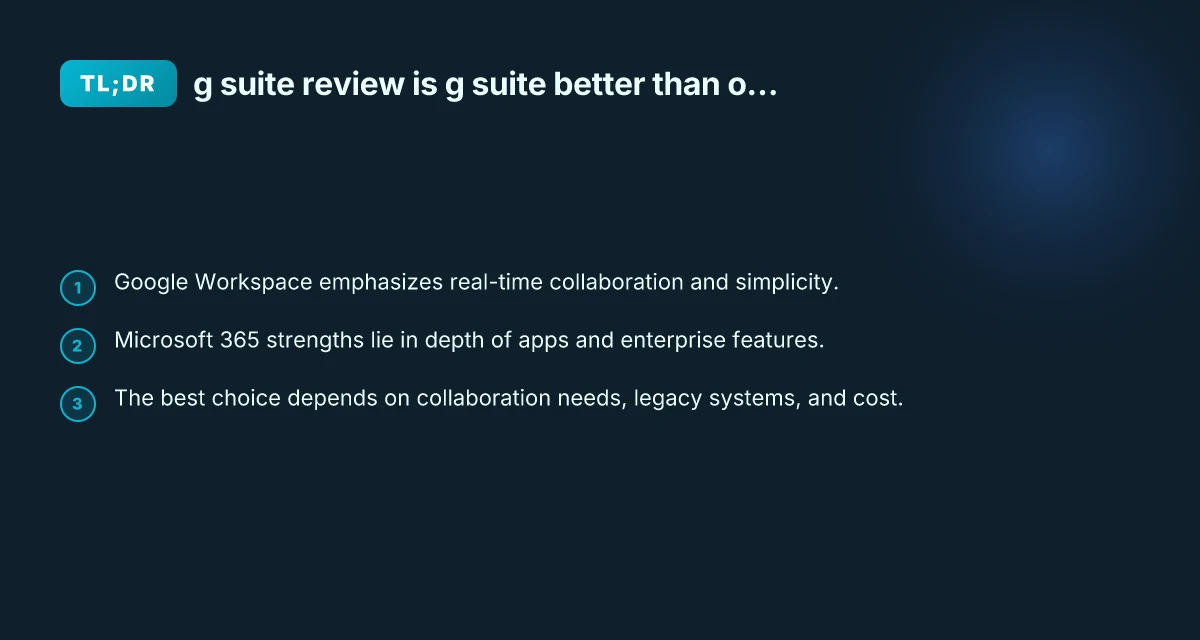
One area where many teams notice a difference is how tasks feel: Google Workspace emphasizes speed and collaboration flow, while Microsoft 365 emphasizes depth of features and enterprise-grade controls. Neither is universally better. Each serves distinct needs.
Final considerations and recommendation
If your priority is speed, simplicity, and straightforward collaboration across devices, Google Workspace is typically the better pick. It gets teams up and running quickly, with minimal friction, and scales well for startups, education, and distributed teams.
If you require advanced document capabilities, deep analysis tools, and tight integration with Windows-based infrastructure, Microsoft 365 often wins on feature depth and enterprise governance. It’s the robust choice for organizations with complex workflows, large datasets, or a long-standing investment in Microsoft software.
Before deciding, run a short controlled comparison: create a shared project in Google Docs and in Word, track real-time collaboration, test file conversions, evaluate offline workflows, and observe how admin controls work for your team. That hands-on approach usually reveals the practical winner for your specific situation. A full office 365 review for families businesses and single households
Recommendation: for teams prioritizing collaboration speed and a clean, cloud-first experience, start with Google Workspace. For teams needing advanced document engineering, enterprise-grade security, and Windows-centric integration, lean toward Microsoft 365. In many cases, organizations adopt both tools in a hybrid approach, using Google Workspace for collaboration and Microsoft 365 for heavy lifting in data analysis and enterprise governance. If you must pick one, align the choice with your top daily tasks and how your team collaborates most effectively.