iPhone VPN: How to Choose, Set Up, and Use One
Learn what an iPhone VPN does, how to set one up, and when a free or paid service may be right for you.
An iPhone VPN app connects your device to a VPN server, routing your internet traffic through that connection. This can help protect traffic on public Wi-Fi and make your connection appear to come from the server’s location. iPhone includes settings for connecting to a VPN, but it does not provide a general-purpose VPN subscription by itself. You can use a VPN provider’s app or configure a work VPN with details from your organization.
Editor's pick: NordVPN — fast, secure VPN — Strong encryption, a no-logs policy and apps for every device. 30-day money-back guarantee. Get NordVPN →
Compare iPhone VPN setup options
| Option | What you need | Setup method | Best for | Main limitation |
|---|---|---|---|---|
| VPN provider app | App Store app and account | Install, sign in, approve VPN configuration | Easiest setup | Depends on provider app |
| Manual IKEv2 setup | Provider server and login details | Add VPN configuration in Settings | Users with configuration details | Requires manual entry |
| Manual IPsec setup | Provider server and shared secret | Add VPN configuration in Settings | Supported IPsec services | Requires exact credentials |
| Manual L2TP setup | Provider server and account details | Add VPN configuration in Settings | Services that support L2TP | Not offered by every provider |
| Work or school VPN | Organization’s instructions | Install its app or enter supplied settings | Access to organization resources | Settings come from the organization |
| Configuration profile | Profile from a trusted provider or organization | Install the profile and follow prompts | Preconfigured connections | Trust the profile source |
Compiled November 2026; check the provider's site for current details.
| VPN | Obfuscation | From / month | Plan | Free plan | Refund | Alipay | UnionPay | Crypto | Website opens in China | Trustpilot | |
|---|---|---|---|---|---|---|---|---|---|---|---|
 ZoogVPN | Turn on manually Shadow | $2.49/mo | 27 months: $59.99 | Yes | 7 days | ✓ | ✓ | ✓ | ✓ | Official site blocked; our special link opens (4.4 s) | 4.2/5 (195 reviews) |
 NordVPN | Turn on manually Obfuscated Servers / NordWhisper | $3.49/mo | 27 months: $94.23 | No | 30 days | ? | ✗ | ✓ | ✓ | ✗ Blocked | 4.2/5 (51,628 reviews) |
 ExpressVPN | ✓ On by default all servers | $3.00/mo | 28 months: $84 | No | 30 days | ✗ | ✗ | ✓ | ✗ | ✗ Blocked | 4.4/5 (29,706 reviews) |
 Surfshark | ✓ On by default Camouflage, with OpenVPN | See site | See site | No | 30 days | ✗ | ✗ | ✗ | ✓ | ✗ Blocked | 4.3/5 (31,823 reviews) |
 Proton VPN | Turn on manually Stealth, free plan too | $2.99/mo | 12 months: $35.88 | Yes | 30 days | ✗ | ✗ | ✗ | ✓ | ✗ Blocked | 2.1/5 (1,040 reviews) |
 Astrill VPN | Turn on manually StealthVPN / OpenWeb | $12.50/mo | 24 months: $300 | No | See site | ✗ | ✗ | ✗ | ✓ | ✗ Blocked | 1.3/5 (110 reviews) |
 Private Internet Access | Turn on manually Shadowsocks, OpenVPN only | $2.03/mo | 40 months: $81.2 | No | 30 days | ✗ | ✗ | ✗ | ✗ | ✗ Blocked | 4.2/5 (11,033 reviews) |
 CyberGhost | Turn on manually selected servers | $2.19/mo | 28 months: $61.32 | No | 45 days | ✗ | ✗ | ✗ | ✓ | ✗ Blocked | 4.0/5 (24,178 reviews) |
 PureVPN | Turn on manually switch to OpenVPN | $1.69/mo | 60 months: $101.55 | No | 31 days | ? | ? | ✗ | ✓ | ✗ Blocked | 4.4/5 (17,994 reviews) |
 AdGuard VPN | ✓ On by default TrustTunnel | $2.99/mo | 24 months: $71.76 | Yes | 30 days | ✓ | ✗ | ✓ | ✓ | Official site blocked; our special link opens (3.7 s) | 4.3/5 (290 reviews) |
 Mullvad | Turn on manually QUIC / Shadowsocks / LWO | $5.61/mo | €5/mo | No | 14 days | ✗ | ✗ | ✗ | ✓ | ✗ Blocked | 3.2/5 (192 reviews) |
 Windscribe | Turn on manually Stealth / WStunnel | $5.75/mo | 12 months: $69 | Yes | See site | ✗ | ✗ | ✗ | ✓ | ✗ Blocked | 4.7/5 (13,355 reviews) |
 StrongVPN | Turn on manually Scramble, OpenVPN TCP | See site | See site | No | 30 days | ✓ | ✗ | ✗ | ✗ | ✗ Blocked | 4.4/5 (2,695 reviews) |
 LightXtreme 闪连 | Not listed | $7.08/mo | 12 months: $84.99 | Yes | 30 days | ✓ | ✓ | ✓ | ✓ | ✓ Yes (3.5 s) | No page |
Prices checked 2026-11-10 on each vendor's pricing page (cheapest long plan, USD). Check the vendor's checkout for the final price.
Obfuscation checked 2026-11-14 on each vendor's site and help center: "on by default" = nothing to set; "turn on manually" = switch protocol or mode in settings; "not listed" = the vendor describes no obfuscation.
Payment methods checked 2026-11-10 on each vendor's payment pages: all 14 take cards and PayPal; ✗ = not listed, ? = the vendor's own pages disagree.
China access: whether the official website opens from mainland China networks (tests the website only, not the VPN connection). Last checked 2026-11-18 01:02 Beijing time.
Trustpilot score and review count checked 2026-11-10.
What a VPN does on iPhone
A VPN, or virtual private network, creates an encrypted connection between your iPhone and a VPN server. Websites and online services generally see the VPN server’s IP address rather than your usual public IP address. Your internet provider or the operator of a public Wi-Fi network may have less visibility into the contents of traffic protected by the VPN, though they can still see that your device is communicating with a VPN.
An iPhone VPN may be useful when you:
- Connect to public Wi-Fi in places such as hotels, airports, or cafés.
- Need to connect securely to a workplace or school network.
- Want to use a service while traveling, subject to that service’s rules and local laws.
- Prefer your internet traffic to pass through a VPN provider rather than directly through your network provider.
A VPN does not protect every part of your digital life. It cannot guarantee anonymity, prevent every form of tracking, or make unsafe websites and downloads safe. Websites can still identify you through account sign-ins, cookies, and other signals.
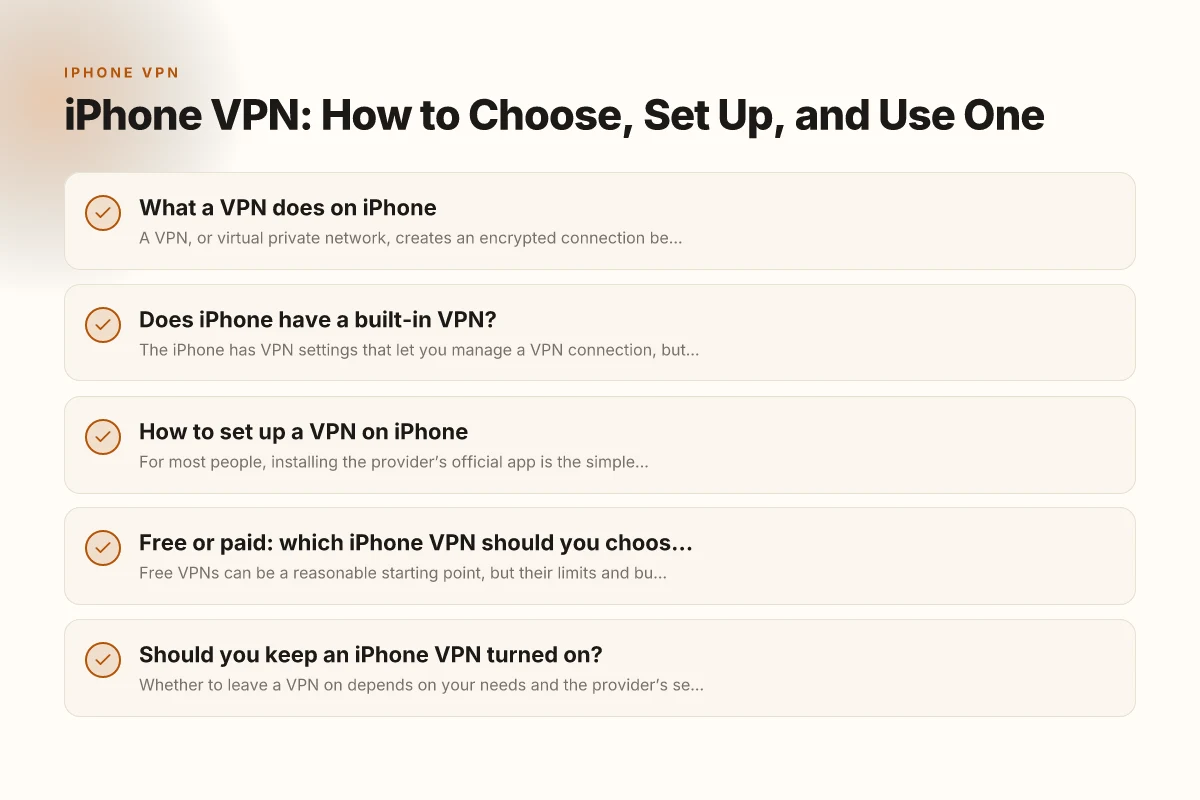
Does iPhone have a built-in VPN?
The iPhone has VPN settings that let you manage a VPN connection, but Apple does not provide a consumer VPN service as part of iOS. To use one, you typically install a provider’s app and sign in, or enter configuration details supplied by your employer or school. Forti VPN: What It Is, How FortiClient Works, and When to Use It
Apple also supports VPN On Demand for managed deployments. This can let an Apple device establish a VPN connection automatically when needed. It is commonly relevant to organizations managing devices, rather than a substitute for choosing a personal VPN provider.
| Option | What it is | Best suited to |
|---|---|---|
| VPN provider app | An app that connects you to a provider’s VPN servers | Personal privacy and travel |
| Manually configured VPN | A connection set up with server and account details | Work, school, or a provider that supplies configuration |
| VPN On Demand | A managed setup that can connect automatically when needed | Organization-managed Apple devices |
How to set up a VPN on iPhone
For most people, installing the provider’s official app is the simplest approach. Before downloading, confirm the app is from the provider you intended to use and review what permissions or configuration changes it requests.
- Choose a VPN provider and create an account if required.
- Download its official app from the App Store.
- Open the app, sign in, and follow its setup instructions.
- Approve the iOS prompt to add a VPN configuration.
- Connect in the app, or use its options to choose a server and connection behavior.
- Check the app or iPhone settings to confirm the VPN is connected.
You can also review the connection in Settings. Depending on the iOS version and configuration, VPN controls may appear under General > VPN & Device Management or in a VPN section within Settings. If you are setting up a work connection, ask your IT administrator for the correct server address, sign-in method, and any required certificate or profile. Do not guess these details.
Free versus paid iPhone VPNs F5 VPN Download: How to Get the Right Client and Connect
| Factor | Free VPN | Paid VPN |
|---|---|---|
| Price | No subscription charge | Subscription or other fee |
| Data allowance | May be limited | Often more generous |
| Server choice | May be restricted | Often offers more locations |
| Speed | May vary or be limited | Depends on provider and plan |
| Ads | May include ads | Often ad-free |
| Privacy practices | Check carefully how data is handled | Check provider policy and business model |
| Support | May be limited | May include customer support |
| Best suited to | Occasional, low-demand use | Regular use and more features |
Compiled November 2026; check the provider's site for current details.
Free or paid: which iPhone VPN should you choose?
Free VPNs can be a reasonable starting point, but their limits and business models vary. Some providers offer a free iPhone or iPad app with no data limits, while others restrict server choice or features. “Free” does not automatically mean unsafe, just as a paid subscription does not automatically guarantee strong privacy.
Before choosing, look for clear answers to these questions:
- What information does the provider collect, and how long does it keep it?
- Does it explain how it pays for the service?
- Does it support current iOS versions and provide a clear privacy policy?
- Are connection limits, server options, or features explained upfront?
- Can you reach customer support or find reliable setup guidance?
A trustworthy provider should explain its practices in plain language. Be cautious of apps making absolute claims such as “complete anonymity” or “total protection.” A VPN provider can see some information about traffic passing through its service, so choosing a provider means deciding whom you trust with that role. Free VPN to Change Location: What to Choose and How to Use It
Should you keep an iPhone VPN turned on?
Whether to leave a VPN on depends on your needs and the provider’s settings. Keeping it connected can reduce the chance of using an unprotected connection when you move between networks. Some apps also offer automatic connection rules, which can be convenient when joining unfamiliar Wi-Fi.
A VPN may affect connection speed, access to some websites, or the way certain apps work. If a service stops working, try switching VPN servers or temporarily disconnecting, then reconnect when appropriate. Avoid entering sensitive information on a network you do not trust simply because a VPN is active. The VPN adds a layer of protection, not a guarantee.
For work devices, follow your organization’s policy. Administrators may require a VPN for access to internal systems or configure it to connect automatically.
Decide when to use an iPhone VPN—and what it can protect NordVPN Download Windows 11: How to Install and Get Started
| Situation or data | VPN helps? | What it can do | What it cannot do |
|---|---|---|---|
| Public Wi-Fi connection | Yes | Encrypt traffic between iPhone and VPN server | Protect against every threat on the network |
| Traffic from apps | Often | Route supported traffic through the VPN | Guarantee every app uses the VPN |
| IP address seen by websites | Yes | Show the VPN server’s IP instead | Hide your identity in every situation |
| Internet service provider visibility | Yes, partly | Make VPN use and destination details less visible | Hide that you are connected to a VPN |
| GPS location | No | — | Change or conceal the iPhone’s GPS location |
| Account activity | No | — | Hide activity linked to accounts you sign in to |
| Cookies and browser fingerprinting | No | — | Prevent tracking by cookies or device details |
| VPN provider visibility | No | — | Prevent the provider from seeing routed traffic metadata |
Compiled November 2026; check the provider's site for current details.
What a VPN cannot hide
A VPN changes the route your internet traffic takes and can hide your usual public IP address from many websites. It does not erase your identity or prevent all monitoring.
Your VPN provider may be able to observe connection information, and websites can still recognize you when you sign in. A VPN also cannot prevent someone from accessing an account with stolen credentials, remove malware, or stop all tracking technologies. Law enforcement access to information depends on the circumstances, the data involved, and applicable legal processes. A VPN is not a way to guarantee that activity cannot be traced.
Recommendation
For everyday iPhone use, choose a reputable VPN provider with transparent privacy practices and an official iOS app. Install it from the App Store, follow the setup prompts, and use automatic connection features if they suit your needs. If you need a VPN for work or school, use the configuration provided by your organization rather than a personal service. Checkpoint VPN: What It Is, How It Works, and How to Connect