Urban VPN Proxy: What It Does, How to Use It, and What to Consider
Learn how Urban VPN Proxy works, where it is available, and what to check before relying on it for privacy or access.
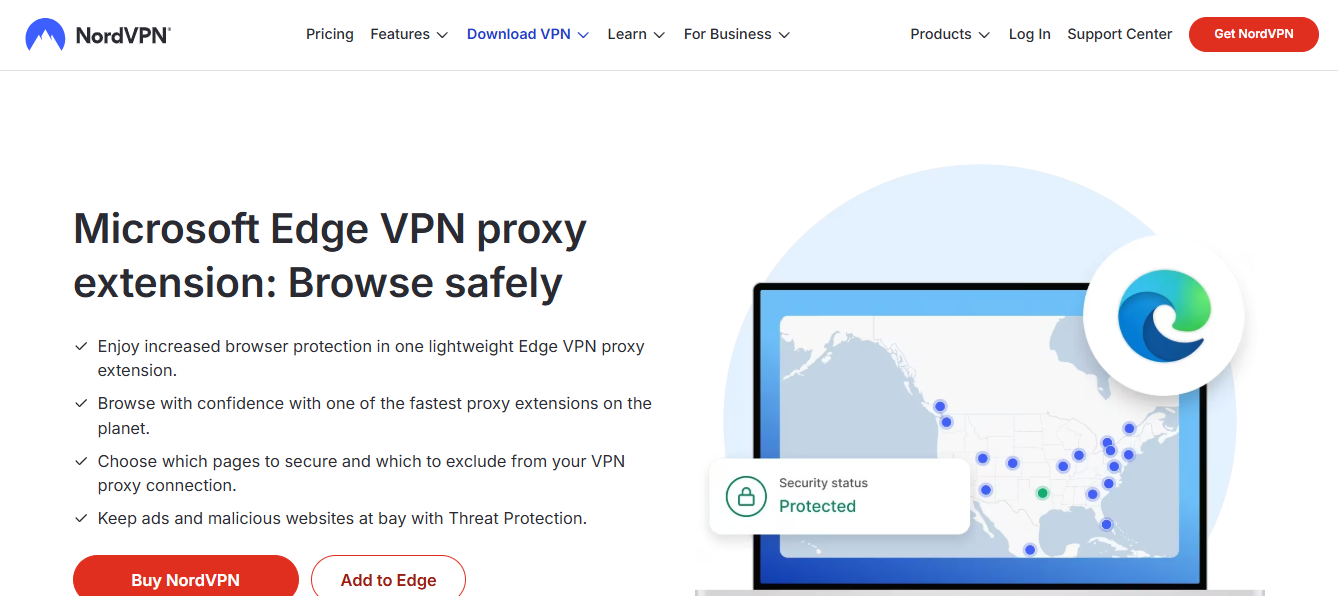
Urban VPN Proxy is a VPN and proxy service designed to route your internet traffic through a remote server, change the IP address websites see, and help you reach content that may be restricted by location. It is available as a browser extension and as apps for multiple devices. It can be useful for everyday browsing, but it should not be treated as a guarantee of privacy, security, or access to every website.
Editor's pick: NordVPN — fast, secure VPN — Strong encryption, a no-logs policy and apps for every device. 30-day money-back guarantee. Get NordVPN →
Urban VPN Proxy at a glance
| Aspect | What to know | Reader takeaway | Check before use |
|---|---|---|---|
| Main purpose | VPN proxy service | Routes traffic through a VPN connection | Confirm it fits your needs |
| Location options | Not specified here | Availability may vary | Check the current app |
| Platforms | Not specified here | Support may differ by device | Verify your device is supported |
| Setup | Get started through the service | Follow the current setup instructions | Use official sources |
| Privacy | Requires careful consideration | Review how data is handled | Read the privacy policy |
| Safety | Depends on use and service practices | A VPN is not a complete security solution | Check security details |
| Streaming access | Not specified here | Access may vary by service | Check relevant terms |
| Recommendation | Evaluate before choosing | Suitability depends on your priorities | Compare alternatives |
Compiled November 2026; check the provider's site for current details.
| VPN | Obfuscation | From / month | Plan | Free plan | Refund | Alipay | UnionPay | Crypto | Website opens in China | Trustpilot | |
|---|---|---|---|---|---|---|---|---|---|---|---|
 ZoogVPN | Turn on manually Shadow | $2.49/mo | 27 months: $59.99 | Yes | 7 days | ✓ | ✓ | ✓ | ✓ | Official site blocked; our special link opens (4.4 s) | 4.2/5 (195 reviews) |
 NordVPN | Turn on manually Obfuscated Servers / NordWhisper | $3.49/mo | 27 months: $94.23 | No | 30 days | ? | ✗ | ✓ | ✓ | ✗ Blocked | 4.2/5 (51,628 reviews) |
 ExpressVPN | ✓ On by default all servers | $3.00/mo | 28 months: $84 | No | 30 days | ✗ | ✗ | ✓ | ✗ | ✗ Blocked | 4.4/5 (29,706 reviews) |
 Surfshark | ✓ On by default Camouflage, with OpenVPN | See site | See site | No | 30 days | ✗ | ✗ | ✗ | ✓ | ✗ Blocked | 4.3/5 (31,823 reviews) |
 Proton VPN | Turn on manually Stealth, free plan too | $2.99/mo | 12 months: $35.88 | Yes | 30 days | ✗ | ✗ | ✗ | ✓ | ✗ Blocked | 2.1/5 (1,040 reviews) |
 Astrill VPN | Turn on manually StealthVPN / OpenWeb | $12.50/mo | 24 months: $300 | No | See site | ✗ | ✗ | ✗ | ✓ | ✗ Blocked | 1.3/5 (110 reviews) |
 Private Internet Access | Turn on manually Shadowsocks, OpenVPN only | $2.03/mo | 40 months: $81.2 | No | 30 days | ✗ | ✗ | ✗ | ✗ | ✗ Blocked | 4.2/5 (11,033 reviews) |
 CyberGhost | Turn on manually selected servers | $2.19/mo | 28 months: $61.32 | No | 45 days | ✗ | ✗ | ✗ | ✓ | ✗ Blocked | 4.0/5 (24,178 reviews) |
 PureVPN | Turn on manually switch to OpenVPN | $1.69/mo | 60 months: $101.55 | No | 31 days | ? | ? | ✗ | ✓ | ✗ Blocked | 4.4/5 (17,994 reviews) |
 AdGuard VPN | ✓ On by default TrustTunnel | $2.99/mo | 24 months: $71.76 | Yes | 30 days | ✓ | ✗ | ✓ | ✓ | Official site blocked; our special link opens (3.7 s) | 4.3/5 (290 reviews) |
 Mullvad | Turn on manually QUIC / Shadowsocks / LWO | $5.61/mo | €5/mo | No | 14 days | ✗ | ✗ | ✗ | ✓ | ✗ Blocked | 3.2/5 (192 reviews) |
 Windscribe | Turn on manually Stealth / WStunnel | $5.75/mo | 12 months: $69 | Yes | See site | ✗ | ✗ | ✗ | ✓ | ✗ Blocked | 4.7/5 (13,355 reviews) |
 StrongVPN | Turn on manually Scramble, OpenVPN TCP | See site | See site | No | 30 days | ✓ | ✗ | ✗ | ✗ | ✗ Blocked | 4.4/5 (2,695 reviews) |
 LightXtreme 闪连 | Not listed | $7.08/mo | 12 months: $84.99 | Yes | 30 days | ✓ | ✓ | ✓ | ✓ | ✓ Yes (3.5 s) | No page |
Prices checked 2026-11-10 on each vendor's pricing page (cheapest long plan, USD). Check the vendor's checkout for the final price.
Obfuscation checked 2026-11-14 on each vendor's site and help center: "on by default" = nothing to set; "turn on manually" = switch protocol or mode in settings; "not listed" = the vendor describes no obfuscation.
Payment methods checked 2026-11-10 on each vendor's payment pages: all 14 take cards and PayPal; ✗ = not listed, ? = the vendor's own pages disagree.
China access: whether the official website opens from mainland China networks (tests the website only, not the VPN connection). Last checked 2026-11-18 01:02 Beijing time.
Trustpilot score and review count checked 2026-11-10.
What Urban VPN Proxy does
When you connect through a VPN or proxy, your traffic is routed through an intermediary server rather than going directly from your device to a website. As a result, the website may see the server’s IP address instead of your usual one. Urban VPN promotes its proxy extension for changing your IP address and accessing geo-restricted websites.
Urban VPN also describes security features intended to help shield browsing from phishing attempts, malware, and intrusive ads. Such features may add a layer of defense, but they are not a substitute for keeping your browser and device updated, using reputable security software, and being cautious with links and downloads.
A VPN connection can help protect traffic on public Wi-Fi, depending on how the service is configured. However, it does not make every online activity private. Websites can still identify users through logins, cookies, browser settings, and other information, and the VPN provider may be able to handle or observe connection data.
Where you can use it
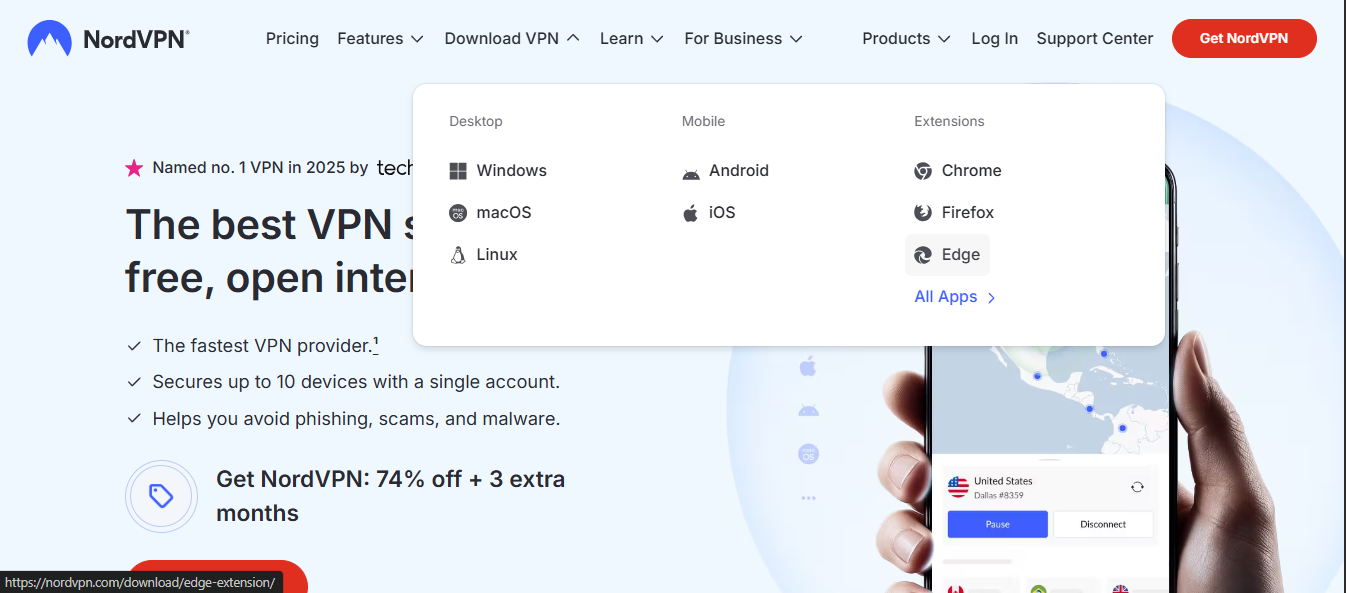
Urban VPN is offered in several forms. The Chrome Web Store lists a browser extension, while Urban VPN also provides apps for mobile devices and a downloadable VPN for Windows PCs and laptops. The Apple App Store listing covers iPhone, iPad, and Mac. VPN Microsoft Edge: How to Turn It On and Choose an Option
| Option | What it is suited to | Important consideration |
|---|---|---|
| Chrome extension | Routing browser activity through the extension and changing the IP address shown to websites | Check which browser traffic is covered; other apps may not use the extension |
| Windows app | Connecting a Windows PC or laptop to the VPN | Confirm the software supports your version of Windows and review its settings |
| Android app | Using the service on an Android device | Check app permissions and connection behavior |
| Apple app | Using the service on iPhone, iPad, or Mac | Review the current listing and compatibility details for your device |
Features and availability can change, so check the relevant store listing or Urban VPN’s official site before installing. Use official sources rather than unfamiliar download pages.
Choosing a VPN option for your needs
| Need | Urban VPN Proxy | What to verify | Decision cue |
|---|---|---|---|
| Basic VPN use | VPN proxy service | Connection features | Choose if features meet your needs |
| Device compatibility | Not specified here | Supported platforms | Confirm your device works |
| Privacy controls | Review policy and settings | Data collection and sharing | Prefer clear, suitable terms |
| Security features | Check current product details | Protection and limitations | Do not rely on a VPN alone |
| Location choice | Check available locations | Current server options | Confirm the locations you need |
| Streaming or access | Results may vary | Service rules and compatibility | Test only where permitted |
| Ease of setup | Follow official instructions | Steps for your device | Choose a setup you can manage |
Compiled November 2026; check the provider's site for current details.
How to get started
The exact steps depend on the device, but the general process is straightforward: Hkmc rndvpn hyundai net: What It Is and How to Access It
- Choose the Urban VPN extension or app for your platform.
- Install it from the official website or the platform’s app store.
- Open the extension or app and review the permissions and privacy information.
- Select a server location and connect.
- Visit a reputable IP-checking site or service to confirm whether your apparent IP address has changed.
- Disconnect when you no longer need the VPN, and check that your usual connection resumes.
If a website does not load, try reconnecting or choosing another available location. Some services block traffic from VPN or proxy servers, so a changed IP address does not ensure that a site will work. Do not use a VPN to violate a website’s terms, bypass access controls unlawfully, or evade applicable local rules.
Is Urban VPN Proxy safe and private?
The answer depends on what you mean by “safe.” A VPN can add protection by routing traffic through an encrypted connection, but the level of protection depends on the provider, the app, and how it is configured. Urban VPN promotes encrypted connections for its PC product and describes protective features for its browser extension. Those claims are not the same as an independent guarantee that every threat or privacy risk is prevented.
Before installing any VPN, consider:
- Privacy policy: Find out what information is collected, how it is used, and whether it is shared.
- Connection coverage: A browser extension may cover browser traffic without routing all activity from your device.
- Permissions: Check what access the extension or app requests and whether it makes sense for its purpose.
- Security limits: A VPN does not stop phishing if you enter information on a fraudulent site, and it cannot make unsafe downloads safe.
- Account and tracking: Signing in to websites can still identify you, even when your IP address changes.
Treat “free” as a pricing description, not as proof of a particular privacy standard. If you plan to use a VPN for sensitive work, financial activity, or stronger privacy needs, read the provider’s current terms and evaluate whether its protections and policies meet those needs. IPVanish Login: How to Access Your Account and Fix Common Issues
Common questions
What does an urban VPN proxy do?
Urban VPN Proxy routes supported traffic through a remote server. This can change the IP address visible to websites and may help you access some location-restricted content. It can also provide a layer of protection for browsing, but it does not make you anonymous.
What happened to Urban VPN Proxy?
Urban VPN continues to appear in current product listings, including a Chrome extension and apps for mobile devices, as well as a Windows VPN offering. If you cannot find it or a feature is missing, check the official website and your device’s app store for current availability.
What is the best free VPN proxy?
There is no single best option for everyone. Compare providers by privacy policy, security features, platform support, connection reliability, and any limits that affect your use. A free service may be convenient, but review how it operates before sending sensitive traffic through it.
Is Urban VPN a good VPN service?
It may be a practical option if you want a browser extension or app for changing your visible IP address and trying to access geo-restricted websites. Whether it is a good fit depends on your privacy expectations, the device you use, and the provider’s current policies. Evaluate those details rather than relying only on marketing claims. Free VPN: How to Choose One That’s Safe and Useful
Before you start using Urban VPN Proxy
| Step or question | What to do | Why it matters | Ready when |
|---|---|---|---|
| Find the official service | Use an official source | Reduces risk of imitation apps | Source is verified |
| Check device support | Review current platform details | Support can vary | Your device is listed |
| Review permissions | Read the app’s permission requests | Helps you understand access | Requests make sense to you |
| Read privacy terms | Check the privacy policy | Explains data practices | You accept the terms |
| Check security details | Review available protections | A VPN does not protect against every threat | Limitations are clear |
| Set up the connection | Follow current instructions | Helps avoid setup errors | Connection works as expected |
| Test your intended use | Check the relevant app or site | Access and performance can vary | Your use case is supported |
| Reassess periodically | Recheck settings and terms | Products and policies can change | Your needs are still met |
Compiled November 2026; check the provider's site for current details.
Recommendation
Urban VPN Proxy is worth considering for basic browsing and IP-address changes across its supported platforms. Install it only from an official source, check its privacy policy and permissions, and test that it works as expected. For sensitive use, choose a service only after confirming that its privacy and security practices fit your requirements.