5 Best Windows antivirus software in 2024
A concise guide to the top five Windows antivirus programs and how to choose the right one.
In today's digital landscape, Windows users have more antivirus options than ever. The five best Windows antivirus software solutions combine strong malware protection with useful extras, easy-to-use interfaces, and reasonable performance impact. Below, we break down each product, what it excels at, and who should consider it.

1) Bitdefender Antivirus Plus
Bitdefender Antivirus Plus is consistently highly rated for protection, performance, and value. It offers a broad feature set at a competitive price and is known for light system impact.
What it protects you from
- Real-time malware and ransomware protection
- Web filtering and anti-phishing
- USB drive scanning and behavior monitoring
- Multi-layer ransomware protection with secure vaults
Why users like it
- Minimal impact on everyday PC performance
- Easy-to-navigate dashboard
- Flexible plans with multi-device options
Notable features
- VPN included (with a usage cap)
- Password manager integration
- Secure browser for online banking
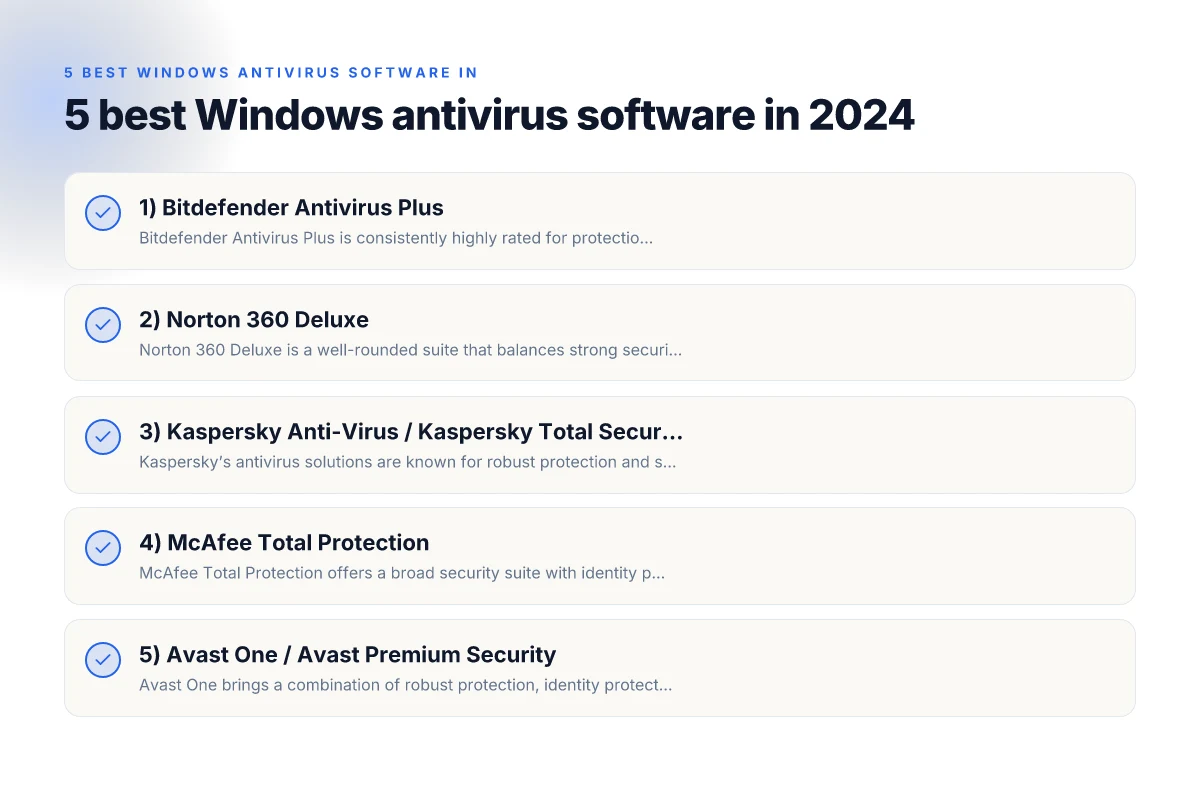
2) Norton 360 Deluxe
Norton 360 Deluxe is a well-rounded suite that balances strong security with useful online lifestyle features. It’s particularly strong for families and users who want extra privacy tools.
What it protects you from
- Malware, ransomware, spyware, and zero-day threats
- Safe web browsing and password protection
- Cloud backup for PCs and home devices
- Identity theft protection and credit monitoring (where available)
Why users like it
- Family-friendly controls and parental features
- Good identity protection options
- All-in-one package with VPN, cloud backup, and password manager
Notable features
- Secure VPN with a broad server network
- Dark web monitoring in some regions
- Device health and performance reports
3) Kaspersky Anti-Virus / Kaspersky Total Security
Kaspersky’s antivirus solutions are known for robust protection and strong anti-malware capabilities. It’s a reliable choice for users who want solid security without too many frills.
What it protects you from
- Comprehensive malware protection and exploit protection
- Ransomware protection and anti-phishing
- Network attack blocker and secure connection features
Why users like it
- Excellent malware detection rates
- Straightforward interface with powerful options
- Good balance between price and protection
Notable features
- Minimal and efficient system resource usage
- Optional Safe Money and secure banking browser
- Family package options in some regions
4) McAfee Total Protection
McAfee Total Protection offers a broad security suite with identity protection, a VPN, and a password manager. It’s a strong option for households that want all-in-one coverage. Antivirus: everything you need to know to choose and use it effectively
What it protects you from
- Malware, ransomware, and zero-day threats
- Web protection to block unsafe sites and phishing
- Identity theft protection and secure online banking
- File protection with cloud backup (on certain plans)
Why users like it
- Generous multi-device licensing
- Strong all-around security without juggling multiple apps
- Centralized dashboard for family management
Notable features
- VPN with a decently sized data allotment
- Password manager and secure cloud backup
- Performance optimization tools
5) Avast One / Avast Premium Security
Avast One brings a combination of robust protection, identity protection, and a privacy-focused feature set. It’s particularly appealing for users who want a clear, consolidated security hub.
What it protects you from
- Malware, spyware, and ransomware
- Real-time protection with robust behavioral analysis
- Wi-Fi network security scanning and privacy shielding
Why users like it
- Free basic tier with optional paid upgrades
- Centralized control panel and intuitive design
- Strong privacy features in premium tiers
Notable features
- VPN included in premium plans
- Firewall and network security alerts
- Secure browser and password manager options
Quick comparison table
| Product | Core protection | Extra security features | VPN | Family/Multi-device | Resource impact |
|---|---|---|---|---|---|
| Bitdefender Antivirus Plus | Excellent malware and ransomware protection | Secure vault, password manager, VPN (cap) | Included | Yes | Light to moderate |
| Norton 360 Deluxe | Comprehensive malware, identity protection | Cloud backup, Safe VPN, parental controls | Included (broad) | Yes | Moderate |
| Kaspersky Anti-Virus / Total Security | High-end malware protection, exploit mitigation | Secure connections, Safe Money (banking) | Optional | Yes (Total Security) | Light to moderate |
| McAfee Total Protection | Broad protection suite | Identity protection, cloud backup, VPN | Included | Yes | Moderate |
| Avast One Premium | Strong malware protection | Privacy features, firewall, secure browser | Included | Yes | Light to moderate |
Notes:
- VPN quality and data allowance vary by plan. Check current terms.
- Some features (like identity protection) may require country-specific availability.
- Always ensure the product you choose has up-to-date ransomware protection and zero-day defenses.
How to choose the right Windows antivirus for you
- Assess your threat model: If you handle sensitive data, look for robust ransomware protections and identity monitoring.
- Consider multi-device needs: Families or users with several devices often benefit from bundled licenses and centralized parental controls.
- Weigh performance vs. protection: Some suites are very feature-rich but heavier on system resources. If you have an older PC, prioritize lightweight protection with strong malware detection.
- Check feature fit: VPNs, password managers, cloud backups, and secure browsers add convenience but can have data caps and plan limitations.
- Look at reviews and results: Independent lab tests (AV-TEST, AV-Comparatives, SE Labs) help gauge real-world protection and performance.
What to expect from a Windows antivirus in 2026
- Strong baseline protection against known malware with ongoing improvements for unknown threats.
- Ransomware protection continuing to evolve with multi-layer defenses and user education prompts.
- Integrated privacy tools, including VPNs and password managers, becoming standard on many plans.
- UIs focused on simplicity for everyday users, with advanced options hidden but accessible.
The recommendation
If you want a well-balanced package that combines top-tier protection with useful extras and easy management, Norton 360 Deluxe is a strong all-around choice for many users, especially families. For users prioritizing performance and straightforward malware protection, Bitdefender Antivirus Plus is an excellent pick due to its light footprint and strong protection. If you value a long-standing reliability and robust anti-malware capabilities with optional family safeguards, Kaspersky Total Security remains a solid option. McAfee Total Protection is ideal if you want a single license that covers several devices with a broad set of features. Avast One Premium can be appealing if you prefer a centralized, privacy-forward platform with an approachable free tier to start.
Ultimately, the “best” Windows antivirus depends on your device, how many devices you protect, your privacy needs, and your tolerance for features you’ll rarely use. Take advantage of trial periods or money-back guarantees to test performance, usability, and feature sets on your own hardware before committing. 5 Best Linux antivirus software