Hootsuite review everything other sites wont tell you about hootsuite

Honest, in-depth look at Hootsuite beyond the buzz, pricing, features, pitfalls, and real-world use cases.
Hootsuite is one of the oldest names in social media management, and it’s still a go-to for many teams. But like any tool with a long track record, the story isn’t just “it does a lot.” In this review, you’ll get a straight look at what Hootsuite does well, where it can disappoint, and how to decide if it’s the right fit for your organization. We’ll skip the hype and cut through some of the usual sales language to focus on real-world value.

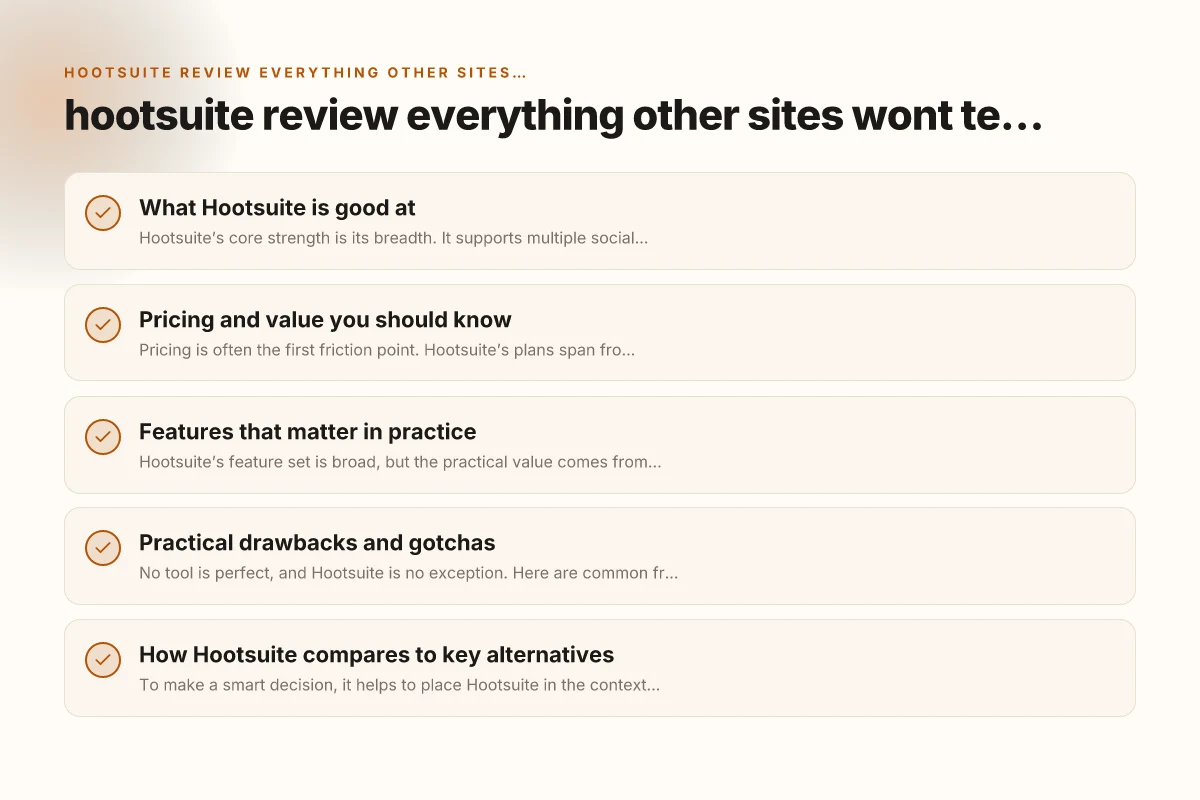
What Hootsuite is good at
Hootsuite’s core strength is its breadth. It supports multiple social networks under one roof, with a centralized calendar, publishing, engagement, and basic analytics. If you’re managing several brands or a medium-to-large team, the value isn’t just in posting, it’s in governance and collaboration.
- Unified inbox and engagement: Respond to comments, messages, and mentions from a single place.
- Permissions and roles: Granular access controls help protect brand integrity.
- Scheduling at scale: Bulk scheduling and queue options make it easier to maintain a consistent posting cadence.
- Asset and team management: A shared library of images and approved captions reduces back-and-forth.
- Compliance-friendly features: Useful for teams with regulated industries that require audit trails.
The combination of these features is why many organizations stick with Hootsuite even as newer players enter the market. It’s not the slickest UI on the planet, but it tends to get the job done across departments, with reasonable reliability.
Pricing and value you should know
Pricing is often the first friction point. Hootsuite’s plans span from individual dashboards to enterprise-grade offerings, with add-ons for compliance, security, and advanced analytics. The sticker price isn’t the whole story, cost can scale quickly if you’re managing multiple brands, teams, and networks.
- Free tier: Limited functionality and a good way to test basic publishing.
- Individual/Team plans: Suitable for small teams, but some advanced features live behind higher tiers.
- Business/Enterprise: Designed for larger teams with more strict governance, SSO, and API access.
What to watch for: G suite review is g suite better than office
- Overage charges or feature lock-in: Some features you might expect to be included can require higher-tier plans.
- Add-ons: Security, compliance, and pro-level analytics can significantly raise the monthly cost.
- Training and onboarding time: A robust tool often incurs a learning curve. If you’re short on time, the ramp can feel steep.
If budget is a concern, do a thorough feature-scoping exercise: list must-haves vs nice-to-haves and map those to the exact plan features before you commit. Hootsuite’s cost efficiency improves with scale, but early-stage teams may feel the price jump when moving from basic to more advanced capabilities.
Features that matter in practice
Hootsuite’s feature set is broad, but the practical value comes from how you’ll actually use it day to day. The most impactful areas tend to be workflow efficiency, governance, and data visibility.
- Publishing and scheduling: The core mechanism for staying on-brand and timely with posts.
- Social listening and engagement: The platform consolidates conversations across networks to help you respond quickly.
- Team collaboration: Shared calendars, approvals, and task assignments streamline content workflows.
- Analytics and reporting: Basic performance metrics are usable for quarterly reviews, but premium dashboards can be essential for executives.
- App marketplace: Integrations with other tools (CRM, analytics, content creation) extend capabilities beyond the out-of-the-box toolkit.
What often gets overlooked:
- Approval workflows: For brands with strict review processes, the ability to route posts for approval without back-and-forth email chains is a big time-saver.
- Asset versioning and reuse: A well-organized media library reduces duplication and keeps campaigns coherent across networks.
- On-page micro-optimizations: Small UI tweaks, like bulk actions in the scheduler, can have outsized effects on productivity.
Practical drawbacks and gotchas
No tool is perfect, and Hootsuite is no exception. Here are common friction points you may encounter in real-world use. A full office 365 review for families businesses and single households
- Learning curve for advanced features: Basic publishing is straightforward, but advanced analytics, automation, and bulk actions take time to master.
- Performance hiccups with large teams: In some setups, complex workflows can slow down, especially with many concurrent users and approvals.
- Analytics depth: If you’re chasing deep, network-specific insights or custom attribution modeling, you may find limitations unless you upgrade to higher tiers or supplement with external dashboards.
- UI inconsistencies: The platform has evolved over many years, and some workflows feel a little inconsistent across networks or plan types.
- Customer support variability: Response times and helpfulness can vary by plan level and region. For mission-critical campaigns, factor in support expectations.
If you’re evaluating under pressure (e.g., fast campaigns or tight deadlines), consider piloting a focused use-case: a single brand, a small team, and a defined set of networks. This approach helps you test the critical paths without turning your entire social operation into a test bed.
How Hootsuite compares to key alternatives
To make a smart decision, it helps to place Hootsuite in the context of a few common alternatives. The table below highlights where Hootsuite tends to shine or lag compared with other popular options in the space.
| Area | Hootsuite | Buffer | Sprout Social | Later |
|---|---|---|---|---|
| Publishing breadth | Strong across many networks | Solid, tends to focus on publishing | Strong, with emphasis on engagement | Great for visual-first networks |
| Engagement / listening | Unified inbox, decent listening | Basic engagement, no full inbox | Robust engagement and CRM-like features | Limited listening; strong scheduling for visuals |
| Analytics depth | Good for governance and team metrics | Simple analytics, easy reporting | Deep analytics, strong reporting | Basic analytics; strong for visual planning |
| Collaboration & approvals | Yes, strong for teams | Yes, lightweight | Excellent for large teams | Moderate, varies by plan |
| Ease of use (learning curve) | Moderate to steep for advanced features | Easy to start, quick wins | Higher learning curve, powerful | Easy, visually oriented |
| Pricing trajectory | Scale-focused, can be costly | Budget-friendly, predictable | Premium, feature-rich | Mid-range, strong for visuals |
This snapshot helps you map your priorities. If your needs center on governance, compliance, and a broad network set with solid collaboration, Hootsuite remains competitive. If your focus is simplicity, Buffer might be appealing. For deep analytics and enterprise-grade social CRM features, Sprout Social could be a better match. If you’re primarily posting to visually-driven networks, Later’s workflow might win out.
Real-world use cases: which teams benefit most
Different teams derive different kinds of value from Hootsuite. Here are a few representative scenarios. 99 Designs review get your logo designed by experts
- Marketing teams managing multiple brands: Unified publishing, approvals, and assets save significant coordination time and help maintain brand consistency.
- Customer support-led social operations: The centralized inbox and rapid response capabilities can improve SLA performance and customer satisfaction.
- Communications and corporate affairs: Auditable workflows, role-based access, and governance features help protect brand integrity and comply with internal policies.
- Agencies juggling multiple clients: A single platform for coordinating calendars, approvals, and reporting across many accounts can reduce complexity and increase transparency.
Less ideal scenarios:
- Small solo operators: The feature set can feel oversized and pricier than necessary.
- Deep analytics-focused users: If your primary goal is advanced data science and attribution modeling, you may outgrow the built-in analytics and need external BI tools or more specialized platforms.
A quick run-through: setup, onboarding, and ongoing management
If you’re considering diving in with Hootsuite, here’s a practical path to get started and keep momentum.
- Start with a clear use-case. Define the networks, teams, and workflows you’ll support first.
- Create a minimal viable governance model. Set roles, permissions, and an approval process that mirrors your real-world workflow.
- Organize assets early. Build a shared library of approved images, captions, and branded templates to speed publishing.
- Pilot a small team. Use a single brand or a micro-team to test publishing, engagement, and reporting before a broader rollout.
- Track value with simple metrics. Monitor publish volume, response times, and the top posts by engagement to prove ROI.
- Plan for expansion. If you’re gaining traction, iterate on permissions, add-ons, and analytics dashboards.
A short checklist for onboarding success:
- Do you have a single source of truth for approved content?
- Are roles and approvals clearly defined?
- Is engagement being monitored in a central inbox?
- Do you have a basic set of reports that matter to stakeholders?
- Is there a plan to scale with more networks or brands?
Final recommendation
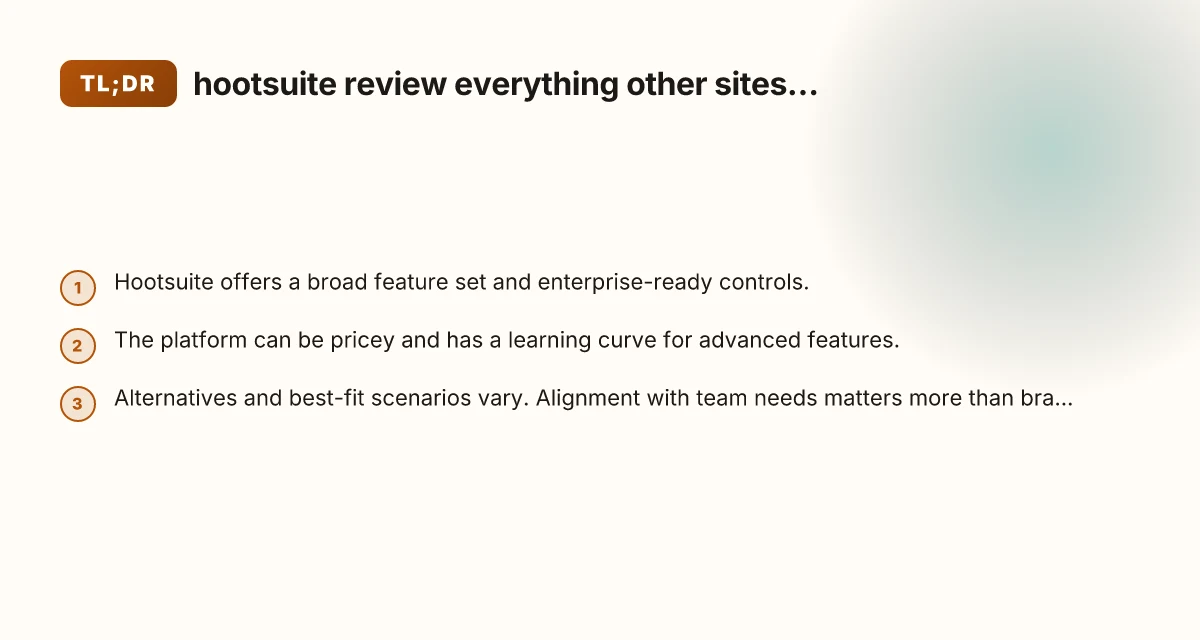
If your priority is governance, collaboration, and managing multiple brands or teams across several networks, Hootsuite remains a solid, battle-tested choice. It offers robust publishing, a centralized engagement hub, and governance features that help keep large social programs organized. The trade-off is cost and a learning curve for advanced features. You’ll want to budget time for onboarding and a clear definition of must-have capabilities. 4 Best things about fiverr that you probably dont know a full fiverr review
For smaller teams or individuals prioritizing speed and simplicity, or for those with a tighter budget, you might want to test lighter options like Buffer or Later. If analytics depth and social CRM-level capabilities are non-negotiable, Sprout Social could be worth the premium.
Bottom line: assess your specific workflow, scale, and governance needs first. Then map them to Hootsuite’s features and pricing tiers. A careful, staged rollout with a clear success metric will help you determine whether Hootsuite is the right tool for your organization or if a leaner, more specialized platform makes more sense.