A full unbiased mcafee review does this legendary antivirus still got it

A thorough, balanced look at McAfee’s latest antivirus offerings, pricing, performance, and who should still consider it.
McAfee has been a fixture in the home antivirus market for decades. It’s a name many users associate with robust security, but the landscape has changed dramatically. This review aims to be full and unbiased, weighing the pros and cons, the latest product lineup, performance, and value. By the end, you’ll have a clear sense of whether McAfee still “has it” in 2026.

What McAfee offers today
McAfee’s current lineup blends antivirus protection with additional security features that cover more than just malware. The core products and features typically include:
- Real-time malware protection, web protection, and device firewall
- Ransomware protection with behavior-based detection
- Secure browsing and password management on some plans
- Identity protection and dark web monitoring (often as add-ons or higher-tier tiers)
- Multi-device coverage (Windows, macOS, Android, iOS) with a single subscription
- Cloud-based management for households or small businesses, depending on plan
Pricing and packaging vary by region and promotional periods. McAfee’s model tends to lean into bundles: antivirus plus a suite of extra features, and multi-device coverage that can appeal to families or users with several devices.
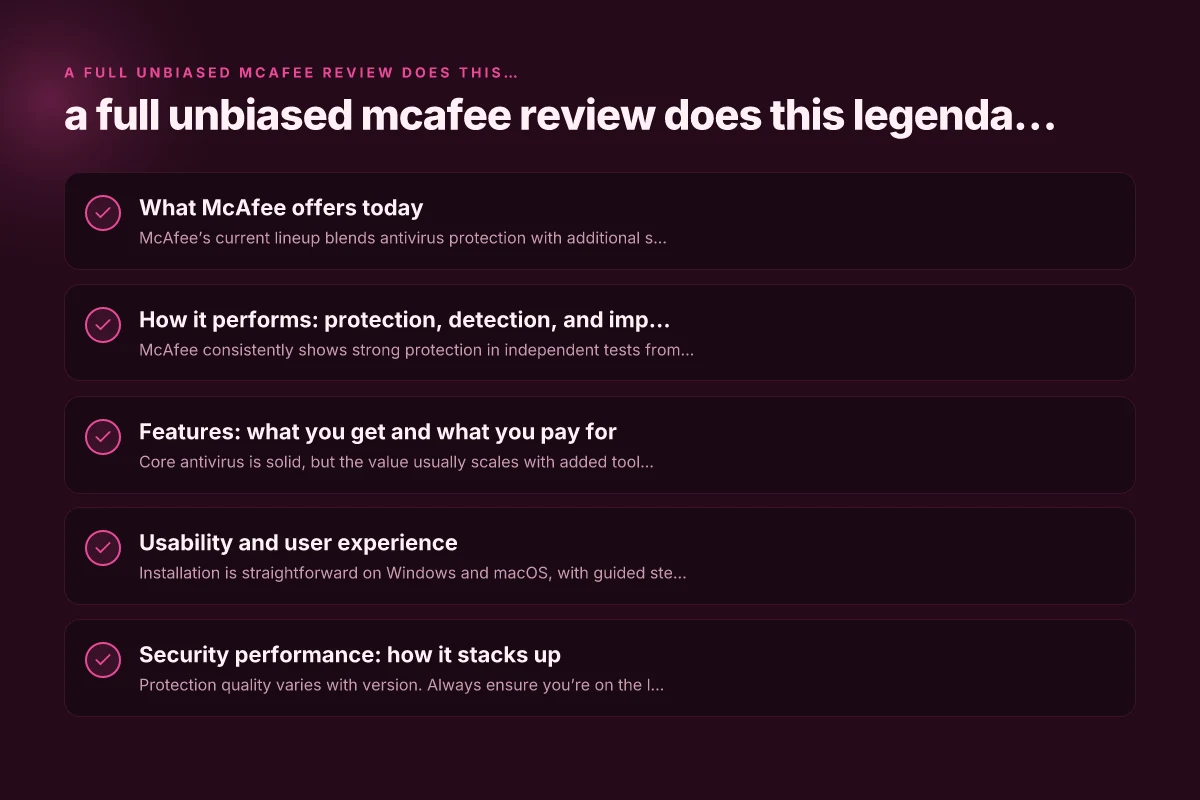
How it performs: protection, detection, and impact on system resources
Real-time protection and malware detection
- McAfee consistently shows strong protection in independent tests from labs like AV-TEST and AV-Comparatives, though scores can drift slightly between versions and test windows.
- The product focuses on layered defense: signature-based detection, heuristic/behavioral analytics, and cloud-based analysis to catch emerging threats.
Performance impact
- On many systems, McAfee runs quietly in the background with moderate CPU use during scans.
- Full system scans can be noticeable on older hardware, but faster scan modes and scheduled scans help mitigate impact.
- The software emphasizes minimizing false positives, which is important for user trust.
Web protection and phishing defense
- McAfee’s web protection blocks many phishing attempts and unsafe sites, and it often includes browser extensions or built-in features for safe browsing.
- Some users appreciate the integrated password manager, while others prefer standalone options. Always verify which features are included in your plan.
Features: what you get and what you pay for
Core antivirus vs. extra tools
- Core antivirus is solid, but the value usually scales with added tools like identity protection, secure VPN (where offered), parental controls, and password management.
- VPN quality can be variable. Some plans include a VPN with data caps or limited locations, which may be enough for casual use but not a substitute for premium VPN providers.
Ransomware protection
- McAfee’s ransomware protection uses multi-layered techniques to prevent ransomware infections and encryptions. It’s generally effective when combined with good user behavior and regular backups.
Identity and privacy features
- Identity protection and dark web monitoring can be helpful for households with sensitive information, but consider whether you need ongoing monitoring for all members or if a simpler approach suffices.
Cross-platform experience
- The Mac and mobile experiences are reasonably polished, though some advanced features may be more Windows-centric.
- Centralized management through a single account makes it easier for families to monitor devices.
Usability and user experience
Setup and onboarding
- Installation is straightforward on Windows and macOS, with guided steps and an emphasis on enabling essential protections first.
- The interface is somewhat feature-rich, which can feel overwhelming for new users but is a boon for power users who want control.
Alerts and notifications
- McAfee’s notifications can be frequent, especially if you enable many features or if it detects potential issues. You can tailor alerts, but initial setup often benefits from a quick review of what’s enabled.
Resource usage and dashboard
- The dashboard presents security status, scan history, and device health at a glance.
- Regular maintenance tasks, like clearing blocked items or reviewing quarantine, are straightforward.
Security performance: how it stacks up
| Dimension | McAfee Performance Insight |
|---|---|
| Malware detection (edge cases) | Strong in broad lab tests; steady protection with recent updates |
| Ransomware protection | Effective defense with behavioral monitoring; relies on backups for resilience |
| Phishing/web protection | Robust filter with safe browsing features |
| System impact / scans | Moderate impact; optimization improvements over time |
| Multi-device coverage | Solid across Windows, macOS, Android, iOS; cross-device sync works well |
| Ease of use | User-friendly but feature-rich; onboarding can be long |
Notes:
- Protection quality varies with version. Always ensure you’re on the latest build to get the newest features and fixes.
- Some features may require separate add-ons or higher-tier plans. Verify what’s included in your chosen package.
Pricing, value, and the competition
Pricing for McAfee tends to tilt toward bundles and multi-device licenses. It can feel more expensive than some nimble competitors if you only need core antivirus protection. However, the value proposition improves if you want a broader security suite for a family or small business with multiple devices. 5 Best Linux antivirus software
Comparison to a few common competitors (at a glance):
- Norton 360: Similar breadth of features, often with strong performance and a higher price; Norton’s ecosystem and frequent promos can tilt the decision.
- Bitdefender: Strong malware protection, usually competitive pricing, and light system impact; Bitdefender’s family plans are competitive with McAfee’s bundles.
- Kaspersky: Solid protection and low system impact. Pricing varies with promotions and regional offerings. Geopolitical considerations may affect trust for some buyers.
- Avast/AVG: Generally cheaper initial pricing, but privacy policy concerns and ad-supported models exist. A trade-off for budget-focused users.
If you value a single brand for a family that wants device protection plus password management, VPN, and identity protection, McAfee often makes sense. If you want the lightest footprint or the best price-for-feature ratio, you might compare more to Bitdefender, Norton, or Avast to see which meets your specific needs.
Who should consider McAfee in 2026
- Home users who want a comprehensive security suite with multi-device coverage.
- Families seeking centralized control and a range of protective features beyond antivirus.
- Users who already buy into the McAfee ecosystem and want a familiar dashboard and management experience.
Who might reconsider:
- If you primarily need only antivirus protection and want the absolute minimal system impact, you might explore lighter or cheaper options.
- If VPN quality, privacy-centric features, or very aggressive pricing are your priority, compare alternatives or look for frequent promotions.
- If you’re in a region where McAfee pricing isn’t favorable or where local alternatives offer better support or value, it’s worth evaluating those options.
Final recommendation
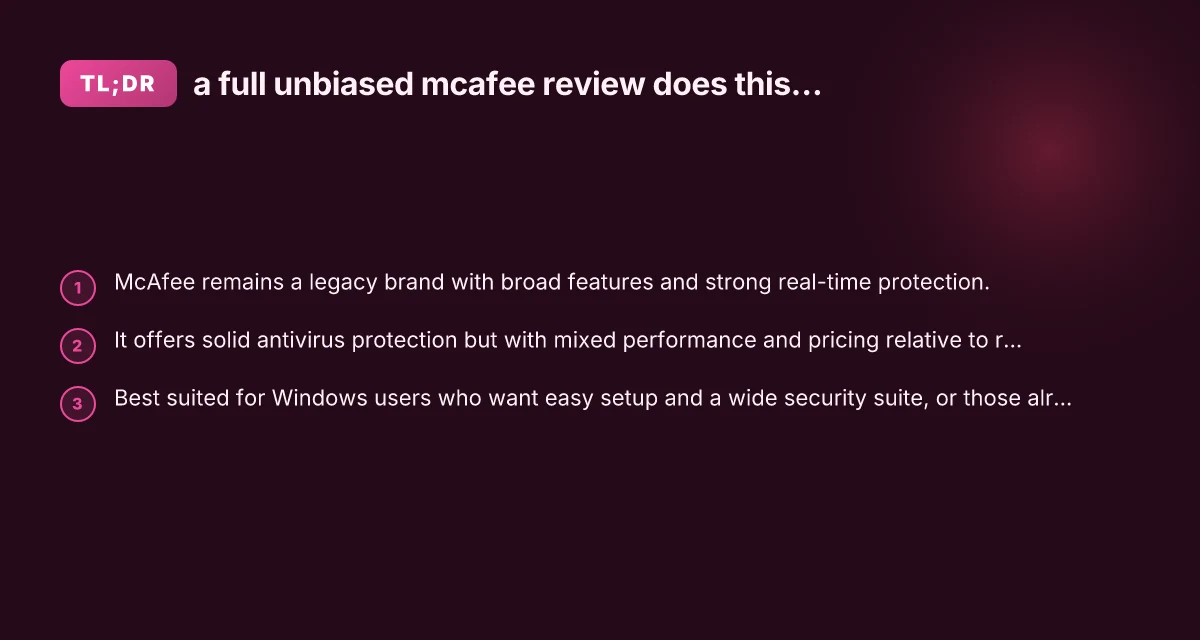
McAfee remains a legendary name in consumer security, and it still offers reliable protection along with a broad set of features. For many users, especially families or those seeking a consolidated security suite across multiple devices, McAfee provides a straightforward, scalable solution that blends protection, privacy features, and ease of use. It delivers strong protection against malware, decent phishing defense, and a robust feature set, all wrapped in a familiar, user-friendly interface. 5 Best Windows antivirus software in 2024
However, be mindful of pricing relative to the features you actually use. If you want the most aggressive price-to-feature ratio, or if you prefer a lighter-footprint antivirus, consider alternatives like Bitdefender or Norton, and compare current promotions. Always ensure you’re on the latest version, review the features included in your plan, and balance protection with your budget and device performance.
Bottom line: yes, McAfee still has credibility as both a capable antivirus and a broader security suite, but your decision should hinge on your device counts, your need for extra features, and your willingness to pay for convenience and unified protection across devices. If that aligns with your priorities, McAfee is still a solid choice in 2026.