Our complete guide to slack

A thorough, practical guide to Slack, covering setup, usage, tips, and best practices for teams.
Slack is a powerful tool for team communication, but its true value comes when you tailor it to your workflow. This guide walks you through everything you need to know to get started, stay organized, and collaborate effectively in Slack.

Getting started with Slack
If your team hasn’t adopted Slack yet, here’s a quick roadmap to onboarding.
- Create a workspace: This is your company or project hub. You can invite teammates by email or share an invite link.
- Set up channels: Channels are conversation spaces. Create public channels for broad topics and private channels for sensitive discussions.
- Add apps and integrations: Connect tools your team already uses (calendar, project management, file storage) to bring updates into Slack.
- Adjust notification settings: Decide who should message you and when. Consider Do Not Disturb times to protect focus.
- Establish basics: Name conventions, channel topics, and pinned messages help everyone find what they need.
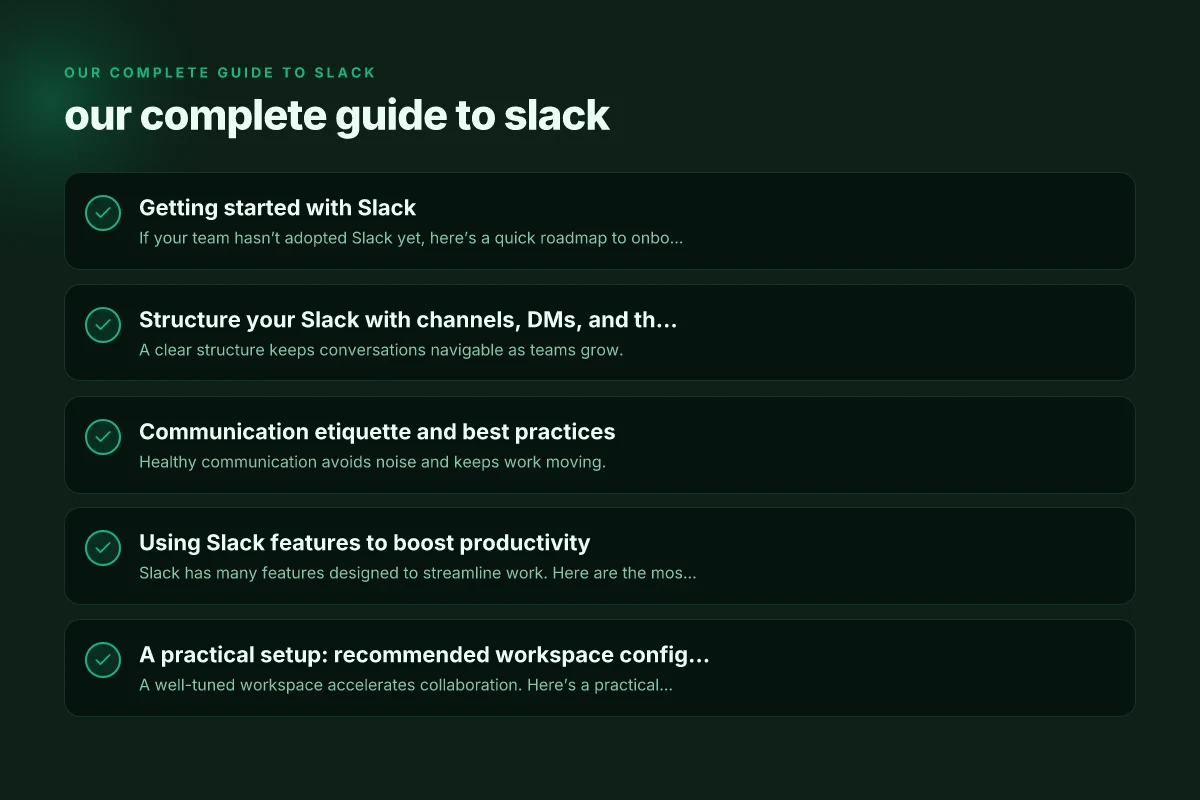
Structure your Slack with channels, DMs, and threads
A clear structure keeps conversations navigable as teams grow.
- Channels
- Public channels: Open to the whole workspace. Great for announcements, cross-functional work, and general topics.
- Private channels: Invite-only. Use for sensitive projects or leadership discussions.
- Project channels: Create per-project channels for focused collaboration.
- Direct messages (DMs)
- One-to-one: For fast, informal chats.
- Group DMs: For small collaboration groups, but avoid turning into ad-hoc thread chaos.
- Threads
- Use threads to keep conversations on topic within a channel.
- Encourage replying in threads to avoid cluttering the main channel.
- Naming conventions
- Consistency helps discovery: #proj-frontend, #sales-standups, #design-assets.
- Consider prefixes for channel types (proj-, team-, dept-) to categorize at a glance.
Communication etiquette and best practices
Healthy communication avoids noise and keeps work moving.
- Be explicit in channels: Post purpose, deadlines, and required actions.
- Tag appropriately: Use @mentions sparingly to keep people from getting overwhelmed.
- Announce, then discuss: Share context in the channel, then move to thread discussions.
- Use status and availability: If you’re heads-down or out, let teammates know.
- Archive old channels: When a project ends, archive the channel to reduce clutter.
Using Slack features to boost productivity
Slack has many features designed to streamline work. Here are the most impactful ones. Hootsuite review everything other sites wont tell you about hootsuite
- Integrations and apps
- Calendar apps: Stay on top of meetings and deadlines.
- Project management tools: See task updates and due dates in real-time.
- File storage: Access shared documents without leaving Slack.
- Reminders and to-dos
- Slash commands: /remind me to stand up at 9am, or /remind @teammate about the update.
- Pin important messages: Keep decisions, links, and files easy to find.
- Search and discovery
- Use search modifiers: from:, in:, has: link, before:, after: to locate past discussions quickly.
- Create saved searches or bookmarks for recurring topics.
- Keyboard shortcuts
- Master common shortcuts to speed navigation and actions.
A practical setup: recommended workspace configuration
A well-tuned workspace accelerates collaboration. Here’s a practical layout you can adapt.
- Channel structure
- Announcements: Public channel for company-wide updates.
- Departments: #marketing, #engineering, #sales for cross-functional visibility.
- Projects: One channel per initiative, e.g., #proj-rebrand-2026.
- Buffers: #random or #watercooler for culture and informal交流.
- Channels vs. DMs
- Prefer channels for work-critical conversations. Use DMs for private or quick checks.
- Governance
- Channel lifecycle: create, use, archive. Set owners for ongoing channels.
- Retention and compliance: Align with your policy on message history and data export.
A quick table: Slack features and when to use them
| Feature | When to use | Benefit |
|---|---|---|
| Channels (public) | Broad topics, cross-team collaboration | Visibility, inclusivity |
| Channels (private) | Sensitive projects, HR matters | Privacy, control |
| Threads | Answering questions within a channel | Reduced noise, organized discussions |
| Pinned messages | Important links, decisions, or deadlines | Quick access to critical info |
| Reminders | Personal tasks or deadlines | Keeps commitments visible |
| Integrations (calendar) | Scheduling and meeting updates | Centralized planning |
| File sharing | Documents, specs, assets | Immediate access, version history |
| Search | Locating past conversations and files | Time saved, context restored |
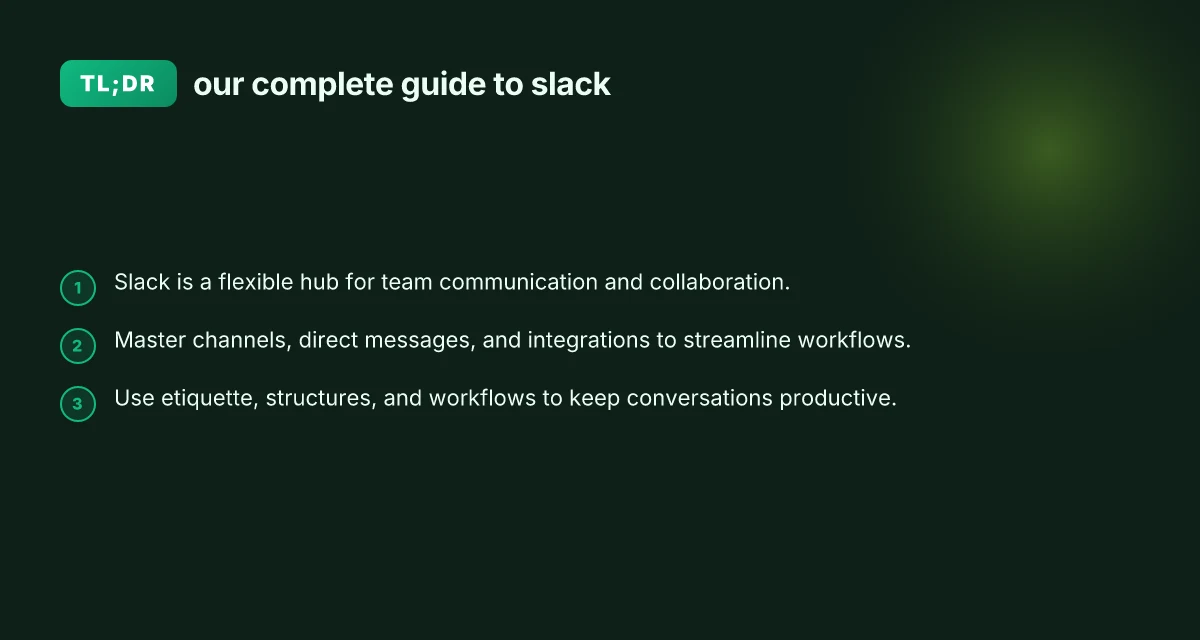
Common pitfalls and how to avoid them
Even with a great setup, teams fall into traps. Here are ways to stay effective.
- Too many channels
- Solution: Consolidate related topics. Retire or archive stale channels.
- Information silos
- Solution: Use cross-functional channels for shared topics. Encourage updates in relevant channels.
- Notification fatigue
- Solution: Customize notification preferences. Set DND hours. Use threads to reduce ping volume.
- Poor naming
- Solution: Establish and enforce naming conventions. Periodically review channels for relevance.
- Over-reliance on Slack
- Solution: Use Slack as a hub, but complement with asynchronous documentation and meeting practices.
Security, permissions, and governance basics
As teams scale, governance keeps Slack secure and usable.
- Roles and permissions
- Workspace owners and admins control apps, data sharing, and compliance settings.
- Channel admins can manage members and topics.
- Apps and data access
- Review app permissions regularly. Revoke access for departing teammates.
- Set data retention policies to balance discovery with privacy.
- Compliance considerations
- Consider eDiscovery, retention, and export policies if your organization is regulated.
How to migrate or upgrade your Slack setup
If you’re moving from another platform or restructuring, plan carefully. G suite review is g suite better than office
- Inventory current communications
- List critical channels, relevant DMs, and documents to port over.
- Rebuild with intent
- Create a new channel schema aligned with goals, not past habits.
- Communicate changes
- Announce the migration plan, timelines, and expectations to all users.
- Pilot and iterate
- Start with a small group, collect feedback, and adjust channels, apps, and norms.
Final recommendation: how to get the most out of Slack in your team
Slack thrives when it serves your actual workflows, not when it’s just another chat app. Start with a lean, clean structure: a few well-used channels, clear naming, and essential integrations. Establish etiquette that emphasizes purposeful posts, use threads to keep conversations tidy, and lean into reminders and pins for critical actions. Regularly review your channel portfolio, prune inactive spaces, and refresh your processes as your team grows. When in doubt, create a channel for experimentation or a weekly “solutions” thread to surface over-communication into action. If you implement these practices, Slack will become the central nerve center for your team's collaboration, not a source of noise.