Grasshopper review stay connected at all times
A practical grasshopper review focusing on staying connected at all times, with features, limitations, and tips.
Grasshopper review stay connected at all times
Staying connected at all times is critical for many businesses, especially for solopreneurs, startups, and small teams. Grasshopper positions itself as a virtual phone system designed to make you feel “always on” without a physical office line. In this review, we’ll explore how Grasshopper helps you stay connected, what it does well, and where it stumbles.

What Grasshopper is and who it’s for
Grasshopper is a business phone system that uses your existing cell phone or landline to simulate a full phone system. It provides a main business number, call routing, extensions, voicemail, and texting capabilities. It’s aimed at:
- Small businesses and entrepreneurs who want a professional image
- Teams that need a simple, scalable routing setup
- Remote or home-based businesses that don’t want to rely on a traditional office
If you’re looking for a plug-and-play solution that doesn’t require complex IT, Grasshopper is worth a closer look.
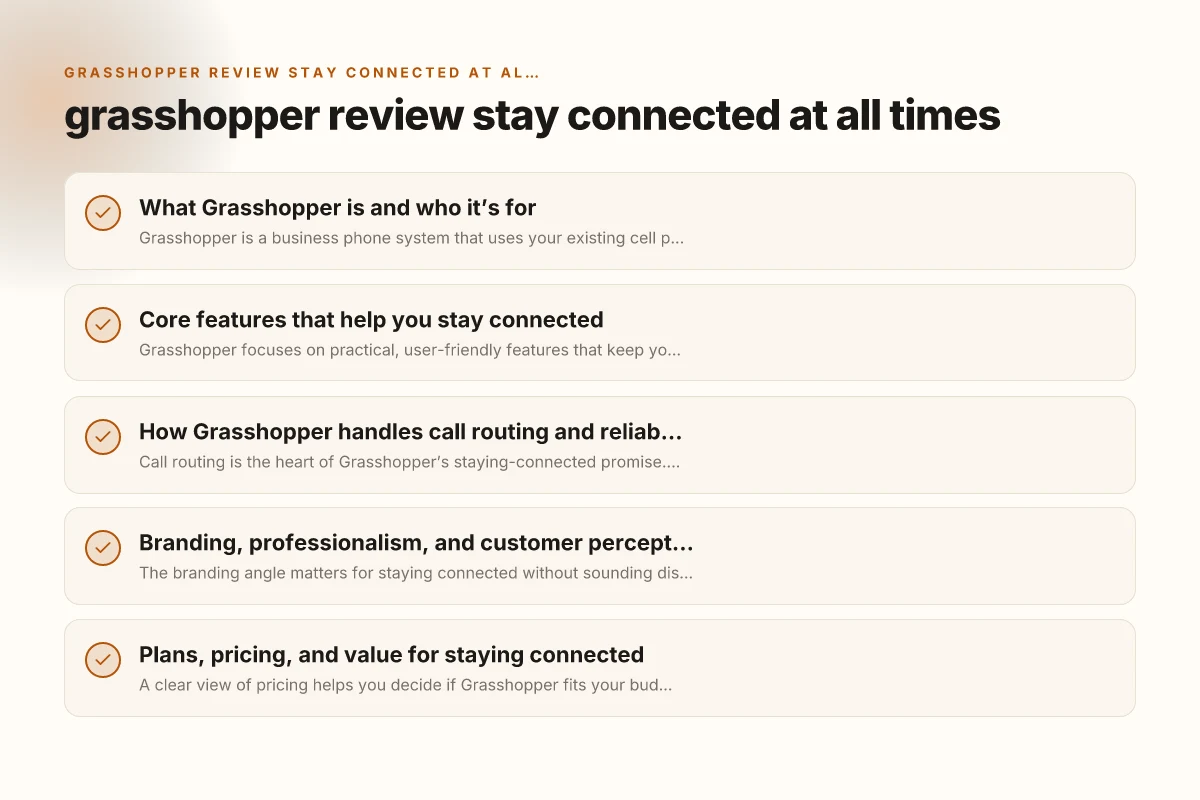
Core features that help you stay connected
Grasshopper focuses on practical, user-friendly features that keep you reachable:
- Main business number and extensions: Assign multiple extensions to departments or people.
- Call routing: Forward calls to multiple devices, so you don’t miss important calls.
- Voicemail with transcription: Leave messages and get them converted to text for quick skimming.
- Texting and business SMS: Send and receive texts from your Grasshopper number when appropriate.
- Professional greetings and custom menus: Create a polished first impression with custom greetings and call flows.
- Do Not Disturb and scheduling: Route calls automatically during off-hours and busy times.
- Mobile app and web portal: Manage settings on the go, whether you’re at a desk or in a meeting.
These features collectively help you stay connected by ensuring callers reach the right person and by letting you monitor and respond to messages promptly. Sample page
How Grasshopper handles call routing and reliability
Call routing is the heart of Grasshopper’s staying-connected promise. Here’s what to know:
- Forwarding rules: You can set up simultaneous ringing (ring multiple devices) or sequential routing (ring one after another).
- Extensions and voicemail: Each extension can have its own voicemail and routing, so teams stay organized.
- International availability: Grasshopper primarily targets US-based users, with limitations for international use depending on carriers.
- Reliability caveats: Since Grasshopper uses your mobile network and internet, call quality depends on your underlying connectivity. A strong cellular signal or reliable internet helps maintain crystal-clear calls.
- Do Not Disturb integration: When you’re in meetings, you can minimize interruptions without missing critical calls.
If your work relies on zero missed calls, pair Grasshopper with a solid mobile plan and a stable Wi-Fi setup to maximize reliability.
Branding, professionalism, and customer perception
The branding angle matters for staying connected without sounding disjointed:
- Professional image: A dedicated business number, greetings, and branded message options help project reliability.
- Consistency across touchpoints: Calls, voicemails, and texts use your Grasshopper number, keeping communications cohesive.
- SMS considerations: While Grasshopper offers SMS, many small businesses use it for quick customer updates. It’s important to stay compliant with regional texting laws and opt-in requirements.
- Limitations to consider: If your brand relies heavily on SMS campaigns or complex IVR menus, Grasshopper’s simpler setup may feel limited.
Overall, Grasshopper excels at presenting a confident, professional front to clients, in part because every call and message aligns with your business identity. Disclosures
Plans, pricing, and value for staying connected
A clear view of pricing helps you decide if Grasshopper fits your budget:
- Pricing structure: Grasshopper usually offers per-user or per-number plans, with a predictable monthly cost.
- Included minutes and add-ons: Some plans include a bundle of minutes, while others charge separately for additional usage.
- Add-ons: Features like additional numbers, more extensions, or enhanced transcription can come as add-ons.
- Value drivers: If you value a professional number, simple call routing, and easy maintenance, Grasshopper often provides strong ROI for small teams.
- Competitor comparison: It’s common to compare Grasshopper with similar services (like Google Voice, RingCentral, or MightyCall) based on features, branding, and pricing.
If staying connected efficiently is a priority and you’re mindful of monthly costs, Grasshopper offers a clear value proposition for teams that want a straightforward setup.
A quick comparison: Grasshopper vs. basic alternatives
Below is a concise snapshot to help you weigh Grasshopper against a few common options. This table highlights practical differences for staying connected.
| Feature | Grasshopper | Google Voice / Basic VoIP | RingCentral / Similar |
|---|---|---|---|
| Main number and extensions | Yes, professional branding | Yes, basic for personal business | Yes, broader features, more complex |
| Call routing options | Simultaneous or sequential | Basic forwarding, less control | Advanced routing, IVR |
| Voicemail and transcriptions | Voicemail with transcription | Voicemail, text-based notes | Voicemail, advanced features |
| Texting capabilities | Business SMS included | SMS with Google services | SMS, team messaging |
| Mobile app and web portal | Yes, intuitive | Limited app experience | Comprehensive admin tools |
| International usage | Primarily US-focused | Global, depending on plan | Broad, with higher costs |
| Price predictability | Clear, per-user/number plan | Often cheaper, variable usage | Higher, more features but more complex |
This snapshot helps you assess the trade-offs: Grasshopper emphasizes a polished, simple-to-manage experience that keeps you connected with consistent branding, while basic alternatives might save money but require more setup or offer less professional polish. Our complete guide to slack
Real-world use cases: who benefits most
- Solopreneurs managing client calls: A single Grasshopper line with extensions for different services keeps interactions clean and scalable.
- Small teams with remote members: Ring multiple devices so calls reach the right person, regardless of location.
- Freelancers who want a professional front: A dedicated business number improves credibility with clients and reduces personal number exposure.
- Startups establishing a brand voice: Quick greetings, custom menus, and consistent messaging help establish a recognizable identity.
In each case, Grasshopper helps you appear always-on and reachable, which is especially valuable in competitive markets.
Practical tips to maximize staying connected with Grasshopper
- Define clear routing rules: Map out who handles what, and set rules for after-hours calls.
- Use custom greetings and menus thoughtfully: Short, professional messages reduce caller friction.
- Optimize your mobile setup: Ensure your phones have decent signal or use a reliable Wi-Fi connection when needed.
- Leverage voicemail transcriptions: Flag important voicemails for quick follow-up. Consider turning on alerts for new messages.
- Regularly audit extensions and numbers: Remove unused lines and refresh the routing matrix to prevent confusion.
- Integrate with essential tools: If your workflow relies on calendar or CRM integrations, verify what Grasshopper supports or complements.
Staying connected is as much about process as technology. A simple, well-planned setup yields a reliable, professional front for your business.
Final recommendation
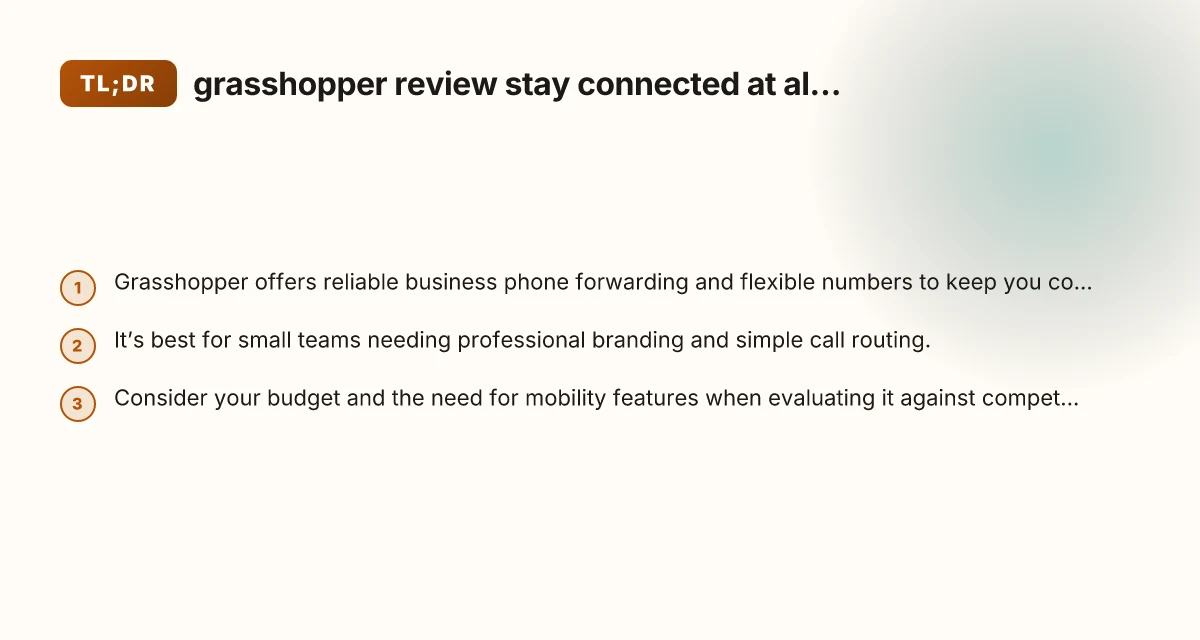
If your priority is a clean, professional image plus reliable call routing for a small team or solo operation, Grasshopper is a solid choice. It delivers straightforward setup, consistent branding, and the ability to stay connected across devices. It shines when you want a predictable, easy-to-manage system that keeps you reachable without diving into complex telephony configurations.
However, if your business requires heavy SMS marketing, extensive IVR, international calling at scale, or deep analytics, you may want to compare Grasshopper with more feature-rich platforms. Consider your budget, your need for professional branding, and how much control you want over routing rules. Hootsuite review everything other sites wont tell you about hootsuite
Overall, Grasshopper is well-suited for staying connected at all times in a lean, efficient way. It helps you present a professional front, maintain accessibility for clients, and keep your communications organized as you grow. If that aligns with your goals, it’s worth a closer look and a trial to see how well it fits your daily flow.